 Support
Practice bass with clearer feedback
BassLab pulls the individual instruments out of a song you own, so you can practice against the real recording — then scores your take against the bass line that was already there.

For iPhone and iPad. Android and desktop are not out yet.
How it works
Three steps, and the middle one is the part you actually spend your time on.
-
Isolate the stems
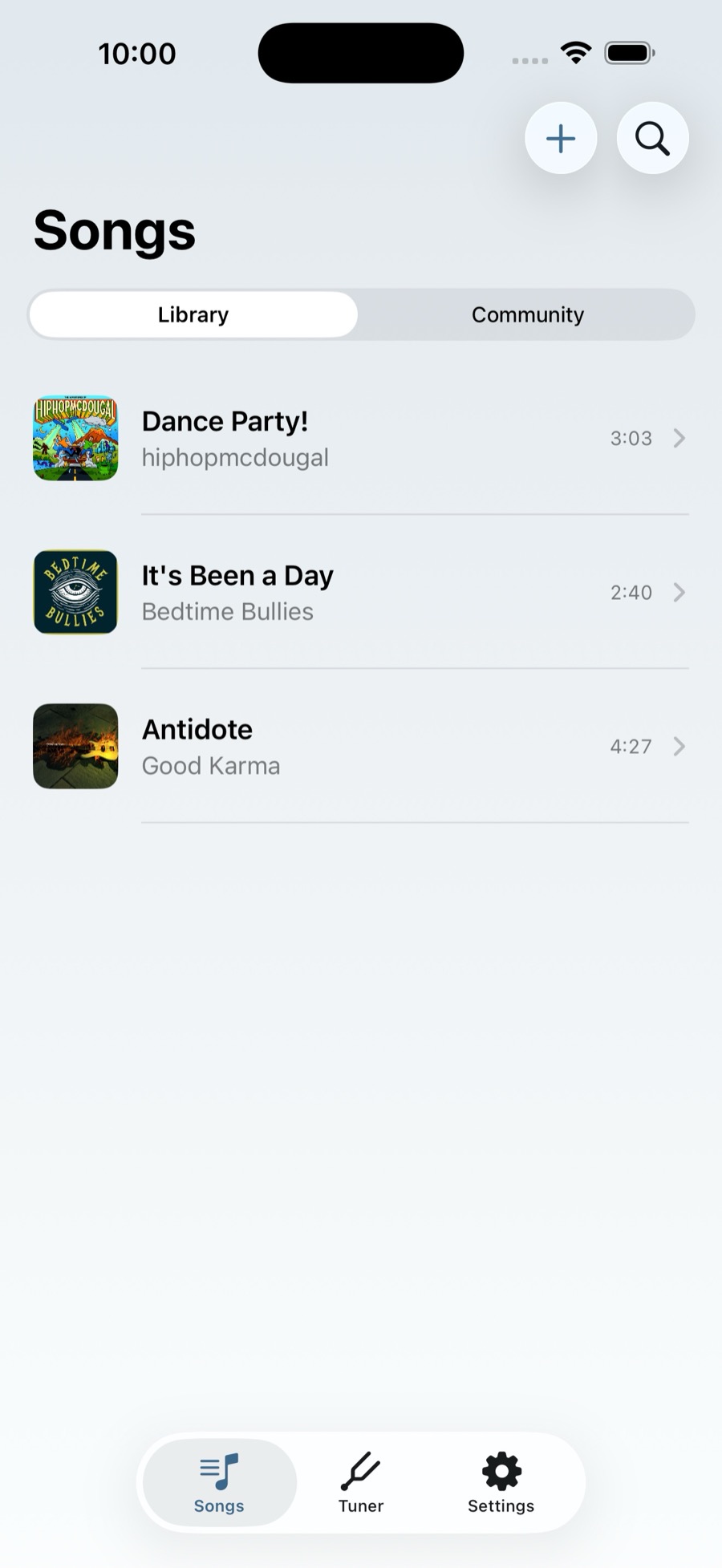
Add a song from your own audio files and choose which parts to pull out — bass, drums, guitar, piano or vocals. Each one comes back as its own track.
-
Practice against them
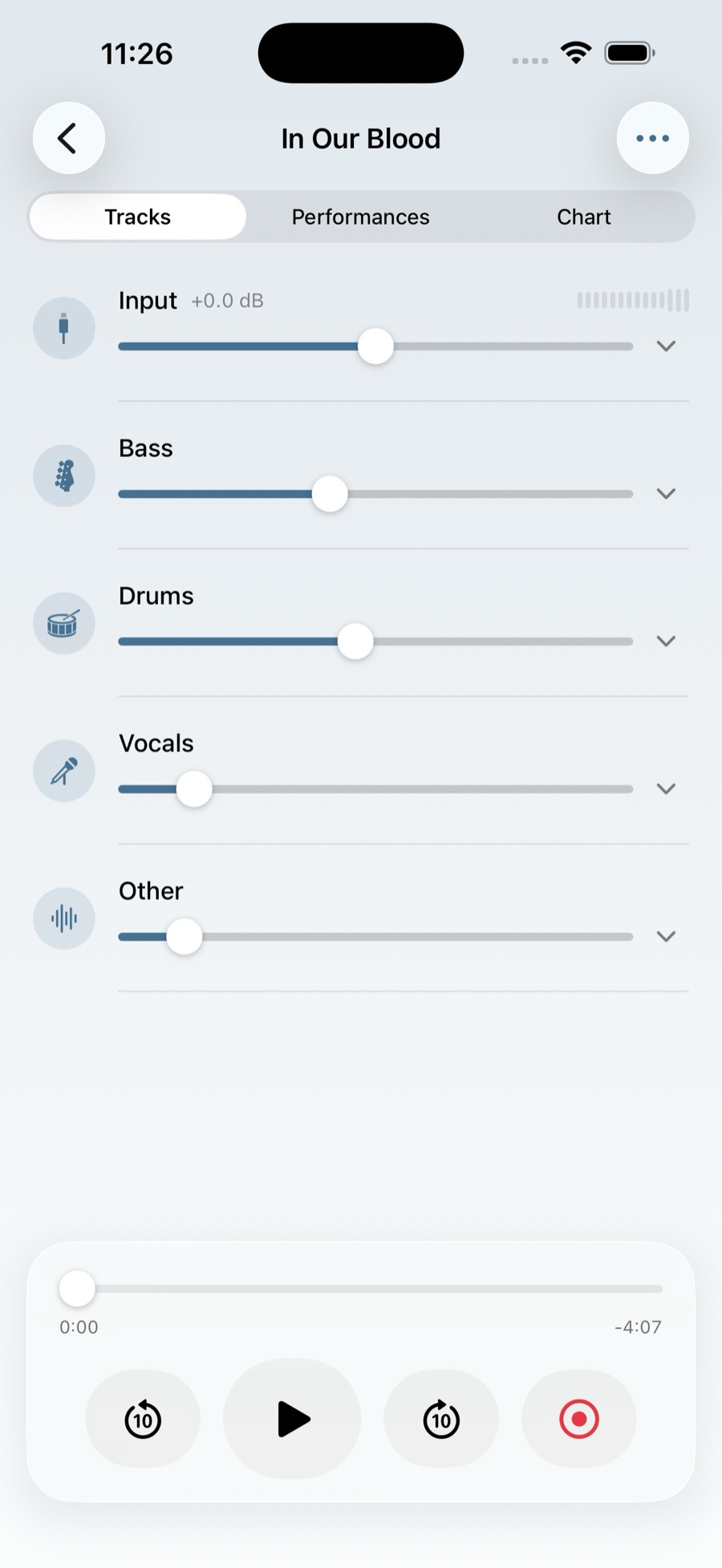
Mix them however helps. Mute the bass and play its part yourself, or bring it back in quietly to follow. Every track has its own level, pan and mute.
-
Get your take scored
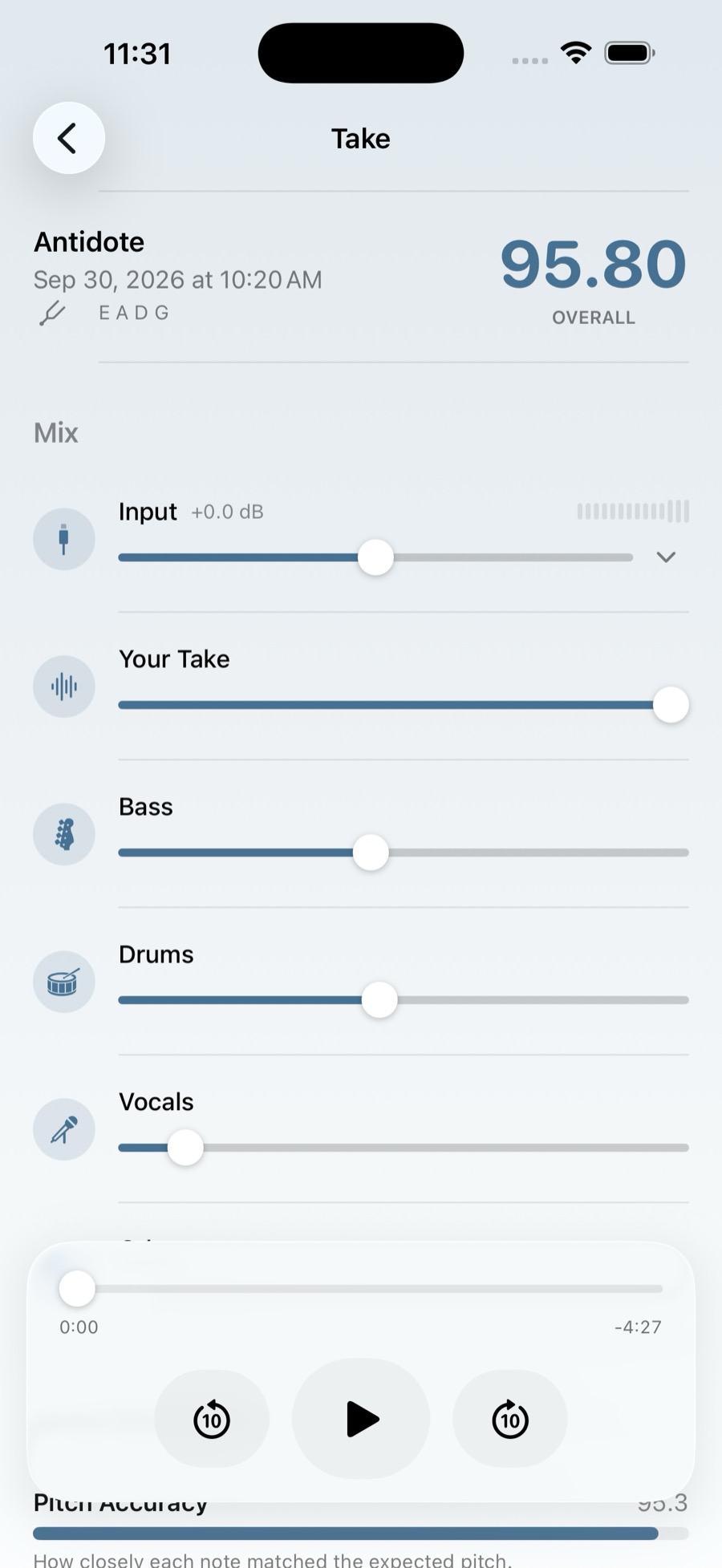
Record while the song plays. BassLab compares your take against the isolated bass stem and breaks the result into four measures instead of one number.
In the app
iPhone and iPad, running on your own library.